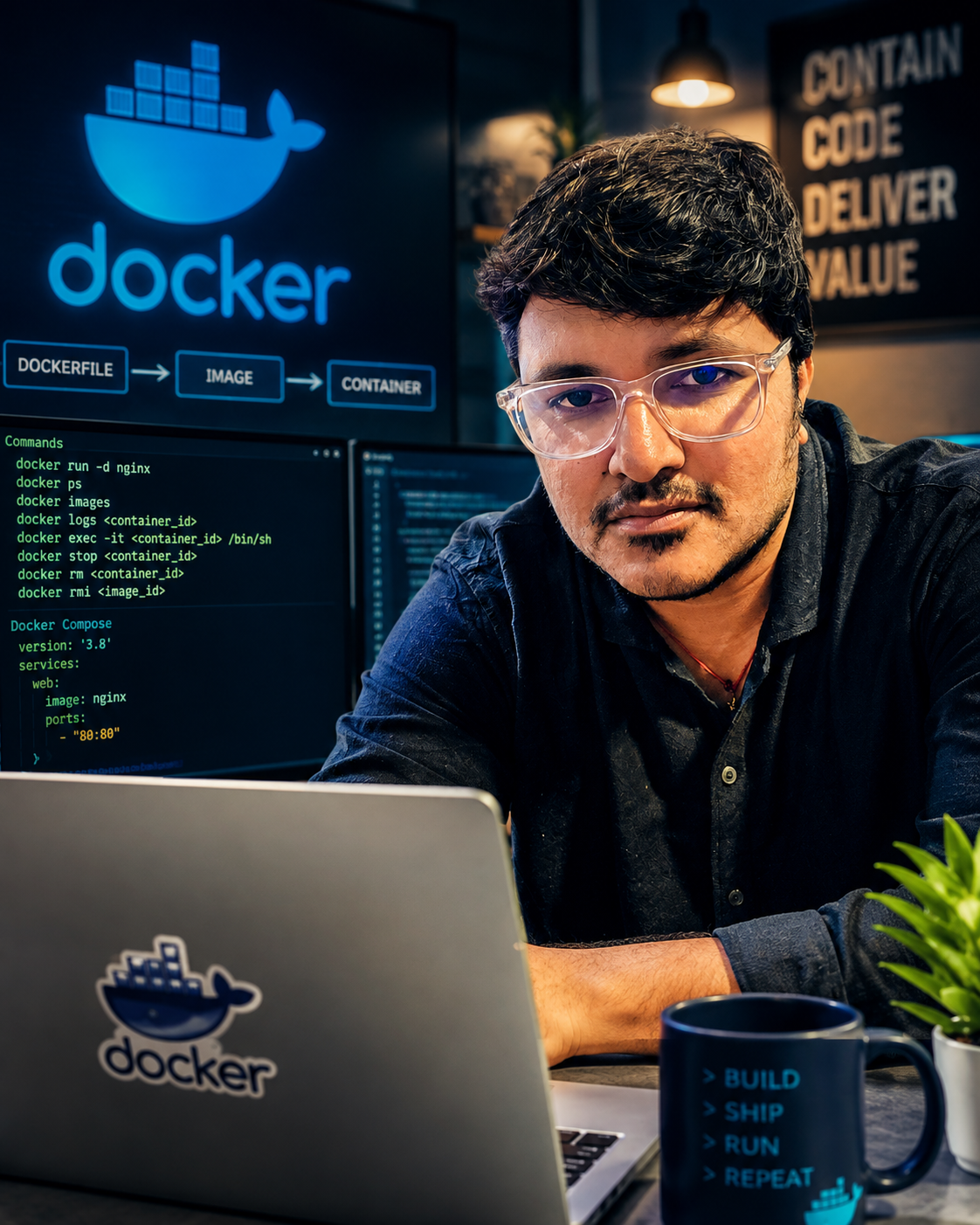
Docker Basics
1. Course Introduction:
Docker is a containerization platform that packages an application with the libraries, runtime and configuration it needs. This makes
application behavior more consistent across development, testing and production.
Key Point: Package once and run consistently across environments.
2. What are Containers?
A container is a lightweight, isolated runtime environment for an application. Containers share the host operating-system kernel
instead of carrying a complete guest OS, so they generally start faster and use fewer resources than virtual machines.
Key Point: A container is an isolated application process, not a complete VM.
3. How Docker Works:
The Docker Client accepts commands such as docker run. Docker Engine performs the requested work: pulling images, creating
containers and managing their lifecycle. Images are commonly downloaded from a registry such as Docker Hub.
Key Point: CLI -> Docker Engine -> Image -> Container.
Docker CLI
docker run
>
Docker Engine
manages resources
>
Container
running app
4. Containers vs Virtual Machines:
Both provide isolation. A VM includes a complete guest operating system, while containers share the host OS kernel. Containers are
therefore attractive for fast application delivery and microservices.
Containers Virtual Machines
Share host OS kernel Include a guest OS
Lightweight and fast Higher resource usage
Great for portable apps Useful for full OS isolation
5. Images and Registries:
A Docker image is a read-only package used to create containers. A container is a running instance of an image. A registry stores and
distributes images; Docker Hub is a commonly used public registry.
Key Point: Image = blueprint | Container = running instance | Registry = image store.
6. Basic Docker Commands: Common beginner commands for managing Docker images and containers:
Command: Purpose:
docker run nginx Create and start a container.
docker ps List running containers.
docker ps -a List all containers.
docker images List local images.
docker pull nginx Download an image.
docker stop Stop a running container.
docker start Start a stopped container.
docker restart Restart a container.
docker logs View container logs.
docker exec -it /bin/sh Open a shell in a running container.
docker rm Remove a stopped container.
docker rmi Remove a local image.
Quick Practice:
$ docker pull nginx
$ docker run -d --name web -p 8080:80 nginx
$ docker ps
$ docker logs web
$ docker stop web
$ docker rm web
Course Summary:
You now understand containers, Docker architecture, containers vs VMs, images and registries, and the essential Docker CLI commands used in basic day-to-day workflows.